How does a construction field app go from one superintendent to a whole general contractor?
On a job site, the daily log is still often a paper form filled in at the trailer, with photos scattered across a dozen phones and group chats. A field app wins when the superintendent can send a better report in less time. This page follows the fictional SiteSnap Field Notes from one super to a general contractor's standard.
How do you market a construction app to people on site?
A report that goes out the same day with less effort than the paper log. If SiteSnap turns weather, manpower, deliveries, delays and twenty tagged photos into a PDF the project manager can forward to the owner's rep, the super keeps it. If it adds a second form to fill in, it is gone by Friday.
Marketing follows that test. Show the finished report, not a feature list, and put it in front of supers through the places they already trust: their trade association, the person on the next job and the general contractor that invites them.
This is a people-driven category. Paid ads can fill gaps, but the main engine is a report that other people on the job see and ask about. See referrals and invites for how to design for that.
Who uses a site reporting app, and who signs the contract?
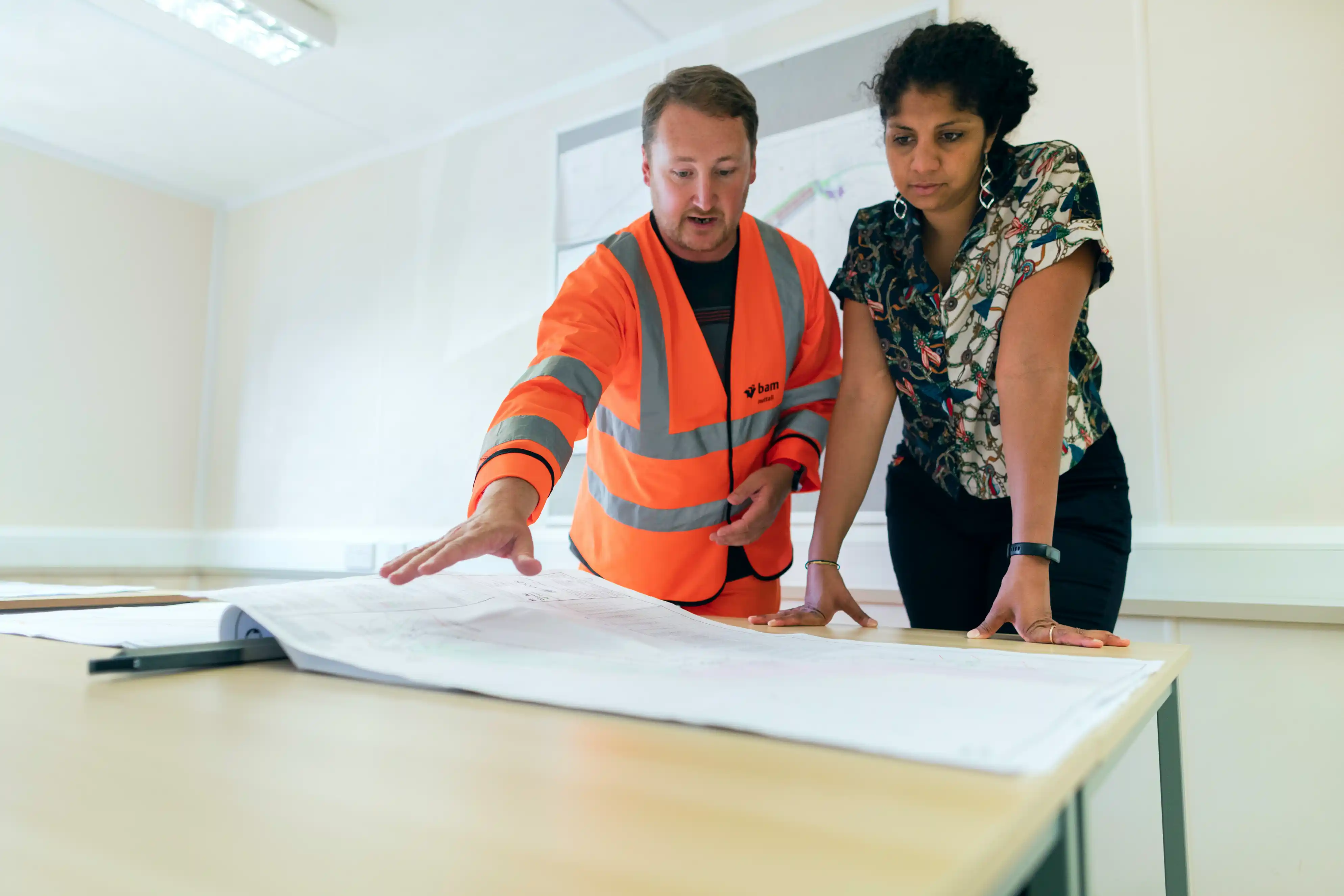
Superintendents and foremen use it, usually in the last hour of the shift, often with gloves, glare and a dusty screen. Project managers and coordinators read the output. Subcontractor foremen see the items assigned to their trade.
The budget sits with the general contractor's operations director or project director. They care less about one good report and more about every job reporting the same way, so that records hold up when a schedule slips or a change order is disputed months later.
| Daily log item | Paper log and group chats | What SiteSnap has to do |
|---|---|---|
| Weather and delays | Written at the trailer from memory | Pre-filled weather, delay with a reason and duration |
| Manpower by trade | Head counts on a clipboard | Counts per trade, carried over from yesterday |
| Progress and deficiency photos | Camera rolls and a WhatsApp group | Tagged by level and grid line, time and location kept |
| Distribution | Scanned or retyped by the coordinator | PDF to the PM and owner's rep before the super leaves |
What does the first report look like in a construction app?
The first session must end with something sent. Pre-fill what the app can know, let the super talk or tap rather than type, and make photos the spine of the report.
Daily report · Oct 6
Photos (12)
Report sent 4:12 pm
Tomorrow's log starts with today's crew counts.
How do construction apps spread from job to job?
Three channels do most of the work, and none of them is a search box. Store search still matters for the super who heard about the app at lunch and types its name, so the listing has to show the report itself in the first screenshot.
Daily logs, tagged site photos and punch items, sent as one PDF the same day.
- Trade associations. Local and provincial construction associations run safety days, apprentice programs and supers' breakfasts. A short demo of a real report there reaches the right people at once.
- Word of mouth on site. Supers show each other reports in the trailer. A clean PDF with a small "Sent with SiteSnap" footer does more than an ad.
- Subcontractor invites. Each sub foreman invited to fix an item sees the app working. Subs work for several GCs, so they carry it to the next job.
- Owner and PM requests. When an owner's rep starts expecting the photo report, the PM asks other supers to send the same.
The Google Play guide covers the listing in detail.
Never charge the sub to see their own punch list.
Subcontractor access is your distribution. Every free sub foreman is a future user at the next general contractor they work for.
How should a construction app be priced?
Price by active project, with unlimited invited subcontractors. That matches how GCs budget (job cost) and keeps the invite engine free. Company pricing then covers what operations wants: templates, all projects and an archive that outlasts the job.
- One active project
- Daily report PDF
- Invite subs to view
- Unlimited photos
- Deficiency lists
- Owner's rep access
- Company report templates
- All projects and archive
- Claims-ready export
Plan prices are illustrative figures chosen by ShoutEx to show the structure, not benchmarks for the trade.
What to measure in a construction app, and which mistakes to avoid
| Metric | Why it matters | Source |
|---|---|---|
| Reports sent before end of shift | The core habit is forming | Product events with send time |
| Tagged photos per report | Records are useful later | Product events |
| Subs invited who act on an item | The invite loop works | Product events by invited account |
| Second project by the same super | Value repeats beyond one job | Account data |
| Projects per GC account | Readiness for a company plan | Billing and project records |
- Designing for the office. Dashboards impress buyers; supers judge the app at 4 pm in the rain.
- Charging subs to participate. It cuts the loop that brings in the next GC.
- Photos without location or time. They cannot support a change order later.
- Long forms. Each extra required field costs completed reports.
- No plan for project close-out. The GC needs an archive after the job ends.
When the GC is ready to standardize, use a structured pilot on two or three jobs.
Frequently asked questions
Who pays for a construction daily report app?
Usually the general contractor's operations or project director, often charged per project. Superintendents rarely hold a software budget themselves.
Should subcontractors pay to use a GC's site app?
Not to view and close items assigned to them. Free sub access is how the app reaches other general contractors.
What is the first value for a superintendent?
A complete daily report with photos sent the same day, faster than the paper log they used before.
Do construction apps need offline mode?
Yes. Basements, parking structures and remote sites lose signal, so photos and logs must save locally and sync later.
How do construction apps get new users?
Through trade associations, supers showing reports to each other, subcontractor invites and owners who come to expect the photo report.
When does a GC make an app mandatory?
Once operations sees consistent reports on a few jobs and wants every project, and every sub, reporting the same way.